
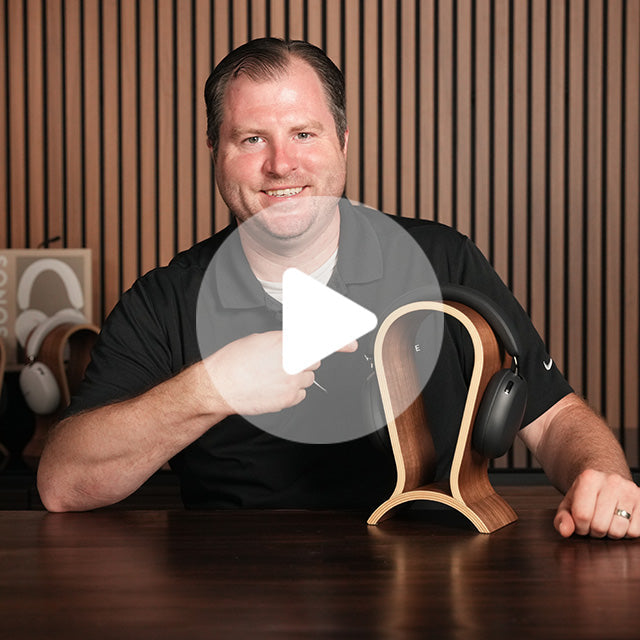
Draw the route before plugging it in
A small performance can have a surprisingly long signal path. The singer hears a monitor mix; the recorder receives another feed; the audience hears the main system; headphones may be used for checking, not performing. If nobody can describe which output feeds which destination, troubleshooting turns into random knob movement.
Start with gain, not the monitor master
Set the source to its normal performance level. Bring the input gain up while watching the meter and listening for clean headroom. A weak input followed by an overdriven monitor master creates noise without clarity; an excessive input can distort every downstream mix.
Use the mixer manual’s method for gain setting. Digital desks, compact analogue mixers and audio interfaces do not all label headroom in the same way. Leave space for the singer’s loudest line and the drummer’s real performance level—not the polite soundcheck version.
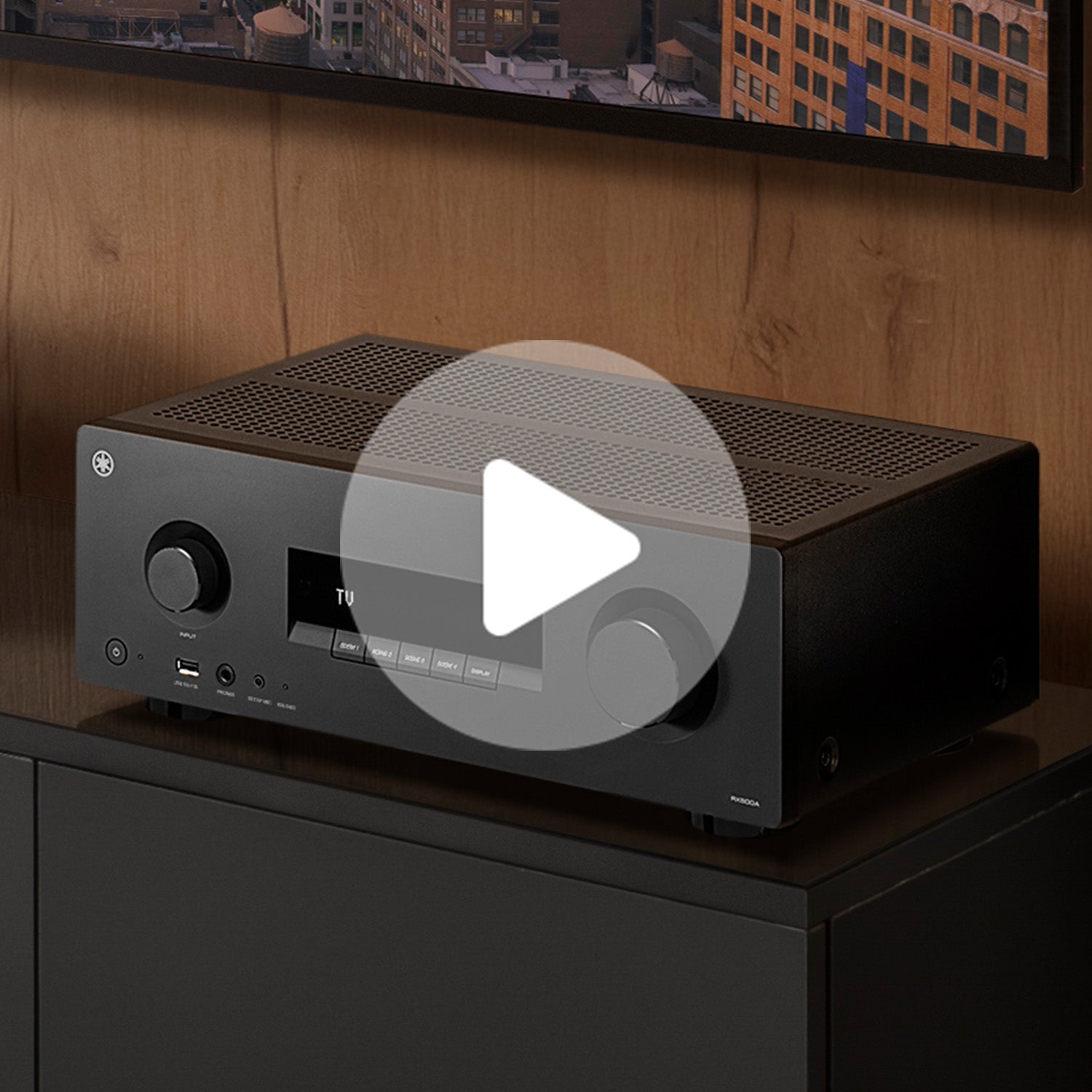
Separate “more me” from “less everything else”
When a performer cannot hear, turning up that channel is only one option. Reducing competing instruments in the monitor mix may create more definition with less total level. Position also matters: a wedge aimed at the knees wastes energy, while a poorly placed microphone can move the system closer to feedback.
Keep monitor speakers within their intended coverage and follow safe setup guidance. Never defeat limiters or hearing-safety features to win a volume contest. For in-ear systems, each performer needs suitable isolation, a controlled mix and a safe level. Consumer earbuds are not automatically a stage-monitoring solution.
Run three checks without the audience
Mute map
Mute one path at a time and confirm what disappears. Label ambiguous outputs before cables cover the floor.
Failure route
Disconnect the playback device or spare microphone and practise the replacement without moving unrelated connections.
Talk path
Agree on plain requests: vocal up, guitar down, less reverb. One person changes the mix while another listens.
Headphones can expose noise, clicks and routing errors, but they cannot tell you exactly how a wedge, room or crowd will behave. Use them as a diagnostic view, not as the final verdict.
Build a reference check that travels
A familiar pair of headphones can help an engineer verify that a playback file is intact or that a recorder is receiving the intended bus. The useful pair is comfortable, sufficiently revealing and compatible with the output. Impedance, connector type, maximum level and isolation all matter. Wireless listening adds latency and system variables, so wired monitoring is often easier to diagnose during setup.
For home preparation, replay a rehearsal recording through more than one system at moderate level. Listen for hum, clipped peaks, missing channels and an effect that vanishes in mono. Do not try to “master” the live room through headphones the night before. Prepare a clean source and a sensible starting point.
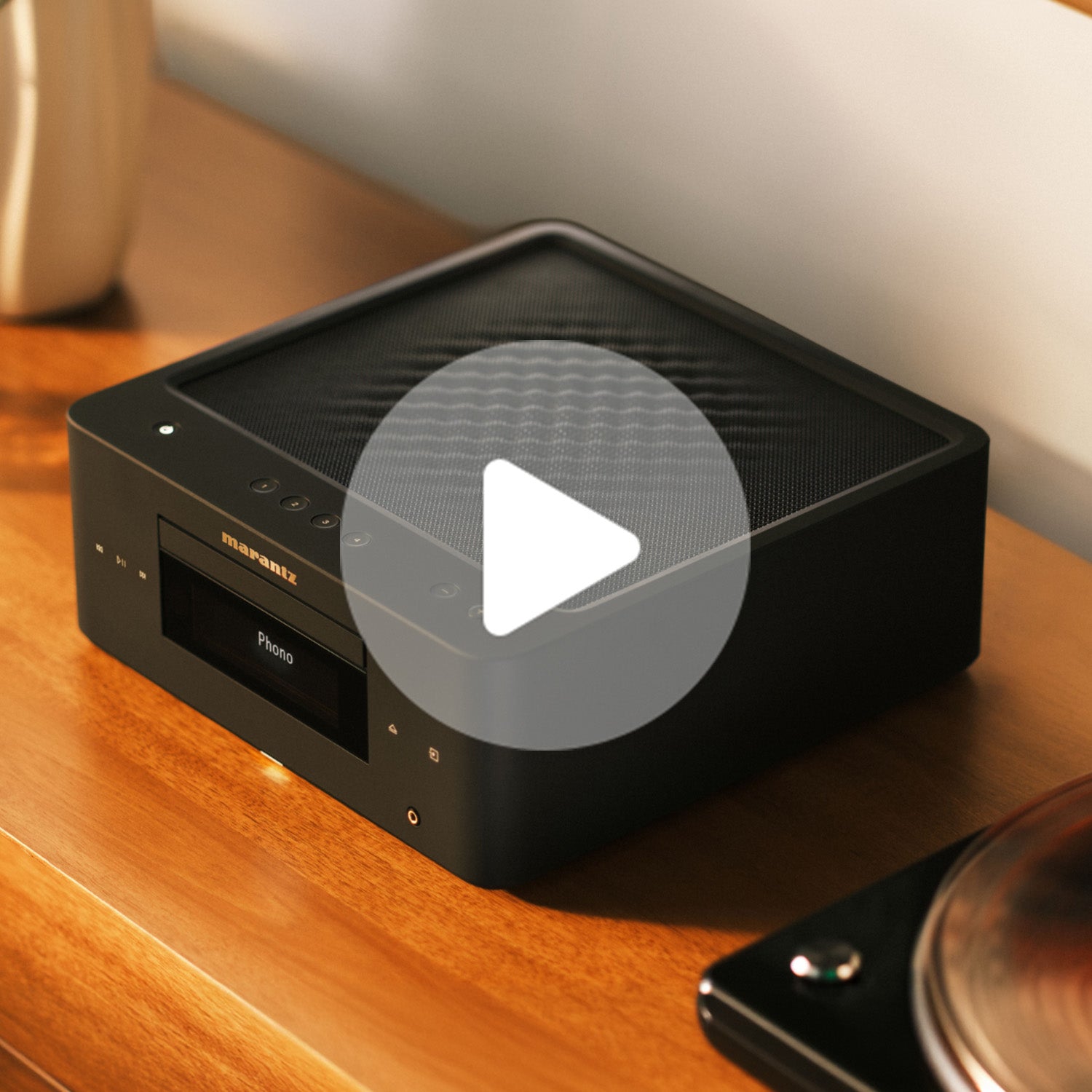
Know when the system needs a professional
Mains power, suspended speakers, high-output systems and permanent installations are not casual DIY work. Use venue-approved equipment, qualified personnel and documented cable runs. If the system repeatedly feeds back, trips protection or produces intermittent noise, stop and find the fault rather than increasing level.
The strongest small-show setup is the one another competent person can understand in minutes. Label the channels, save the scene when appropriate, photograph the patch and carry a short input list. That preparation leaves the rehearsal for music instead of mystery.
Compare the whole monitoring path
Browse current headphones, receivers, amplifiers, speakers and specialist advice at World Wide Stereo, then check compatibility against the equipment you already use.
Affiliate disclosure: Music Boats may receive compensation from an eligible purchase through this link. Verify live specifications, pricing and availability with the merchant.